Naver Map or KakaoMap? Getting around Korea without Google Maps
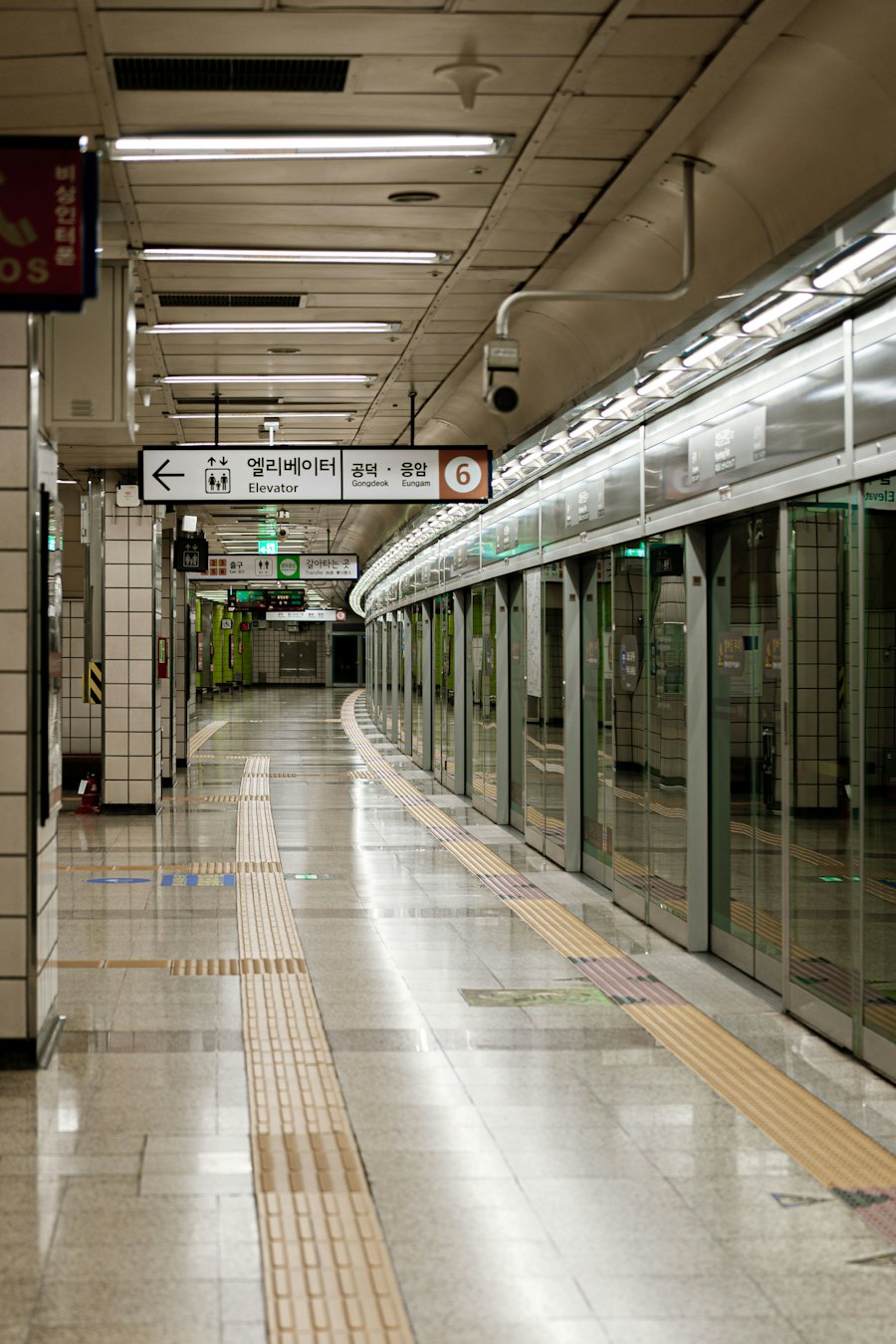
Why Google Maps falls short in Korea, which map app to use instead, and the tricks that make them work in English.
The first surprise for most travellers: Google Maps doesn’t work properly in Korea. You can see places, but walking and driving directions have long been missing or unreliable because of Korean rules on exporting map data. A 2026 decision may let Google improve this over time, but for now locals and long-stay foreigners use Korean apps.
The two that matter are Naver Map and KakaoMap. Install both.
The quick answer
- Use Naver Map as your main app. It has the best English support and very accurate walking routes.
- Keep KakaoMap as a backup. Its bus info is excellent, and it sometimes finds places Naver can’t.
Naver Map
Best for: everyday navigation, finding restaurants and cafés, subway routes.
- Set the language to English in the app settings.
- Search in English for big places (stations, attractions). For small shops, searching the Korean name works much better. Copy it from a sign, a KakaoTalk message or Papago.
- Subway routes tell you which car to board and which exit to take. Korean stations are huge, so the right exit saves you a lot of walking.
- Reviews and opening hours are excellent, but many are only in Korean. Use the in-app translation.
KakaoMap
Best for: buses, checking real-time arrivals, and a second opinion.
- Shows live bus locations and arrival times at each stop.
- Has walking, cycling, driving and public transport routes.
- English support is a little less complete than Naver’s, but some people find it easier to use.
- Pairs well with Kakao T, the main taxi app in Korea.
Tips that save time
- Save your address in Korean. Ask your landlord or host to message it to you, then save it as “Home” in both apps. Show it to taxi drivers too.
- Copy and paste Korean names. If English search finds nothing, paste the Korean name.
- Keep mobile data on. Free Wi-Fi is common in cafés and stations, but you’ll need data for live routes between places.
- Last trains: Seoul subway lines generally stop running around midnight. Check the last train in the app before a late night out.
- Turn on location permissions for both apps, or routes won’t start from where you are.
Other apps worth installing
| App | What for |
|---|---|
| Papago | Translation, including photos of signs and menus |
| KakaoTalk | Messaging. Almost everyone in Korea uses it |
| Kakao T | Taxis and some trains |
| Korail+ (formerly Korail Talk) | Booking KTX and other trains |
Sources
Ad space · Responsive in-article